
Get your request heard by Evernote
August 10 2026 | Issue 107 | Link to this issue | Subscribe
Hi Reader –
Every Monday I send you a tip, and each week some of you write back. And, I love hearing back from readers – it provides validation that the effort I put into creating this newsletter is helping.
Last week, I got replies like this asking me to take a feature request to Evernote on your behalf:
"Thank you! An enhancement I hope you are able to promote: Since my notes are often quite long, it would be helpful to be able to search within a note for a given inline tag rather than scan scores or even hundreds of pages for one or more tags."
"...if you are feeding back to Evernote about tags, perhaps you could suggest that tasks might optionally filter according to the current filtered list of notes. This would effectively add a tag filter to the Tasks Kingdom."
"I’m waiting for Tags in Tasks. We will then be able to tag a task as At Home, In The Office or In the Car."
The suggestions are great. But, even though I do have a line in to Evernote (I'm in their Slack channel, I know their product managers, and I pass along user feedback when I can), the best way to get your request heard isn't through me. It's by submitting it directly to Evernote.
My voice is one voice. What actually moves their roadmap is how many separate users ask for the same thing, and that number is something you can affect directly.
Evernote's made it simple to provide suggestions – and, much easier than it used to be. The feature request process takes less than a minute, and can be done from inside the app.
Submitting Feature Requests
Open Evernote on your computer, either desktop or web, and click the megaphone icon at the bottom left of your sidebar, just under your name (1). That opens the What's New page. The Suggest new features button sits in the top right corner of that screen (2).
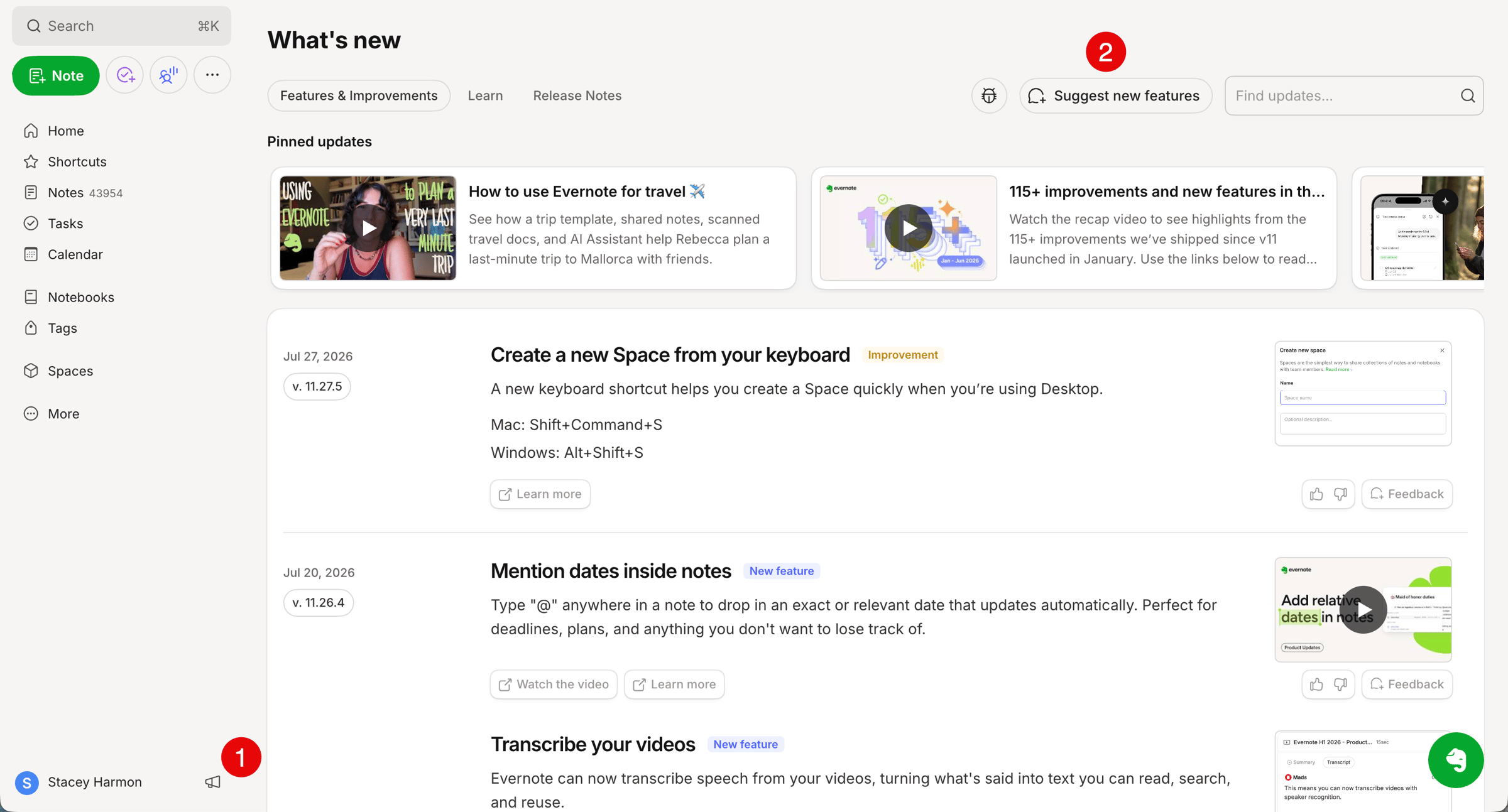
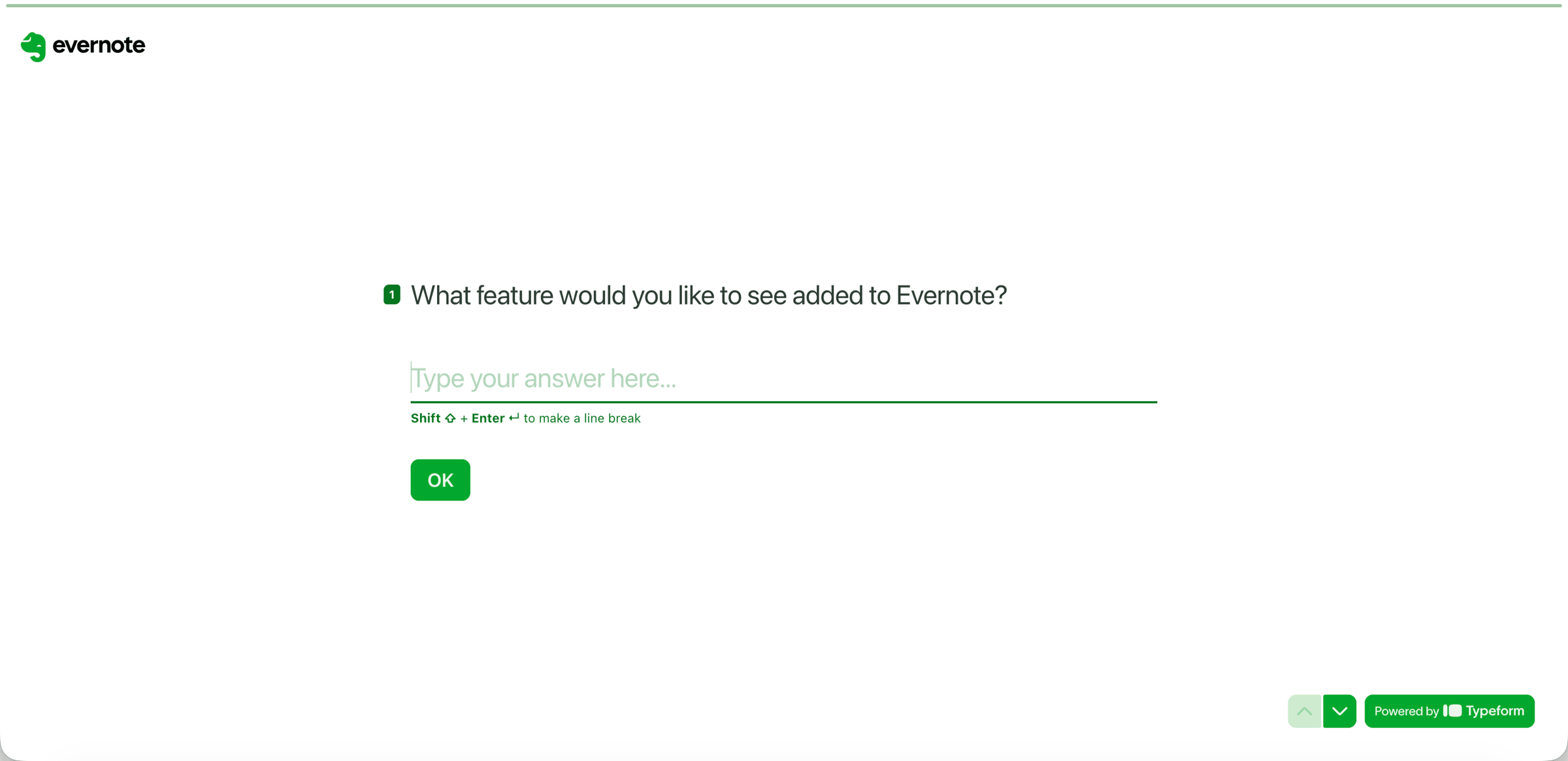
You'll be taken to a form that asks two questions:
1️⃣ What feature do you want to submit?
2️⃣ Are you open to be contacted by Evernote to discuss your feature request? If you select yes, you'll be asked to provide your email address.
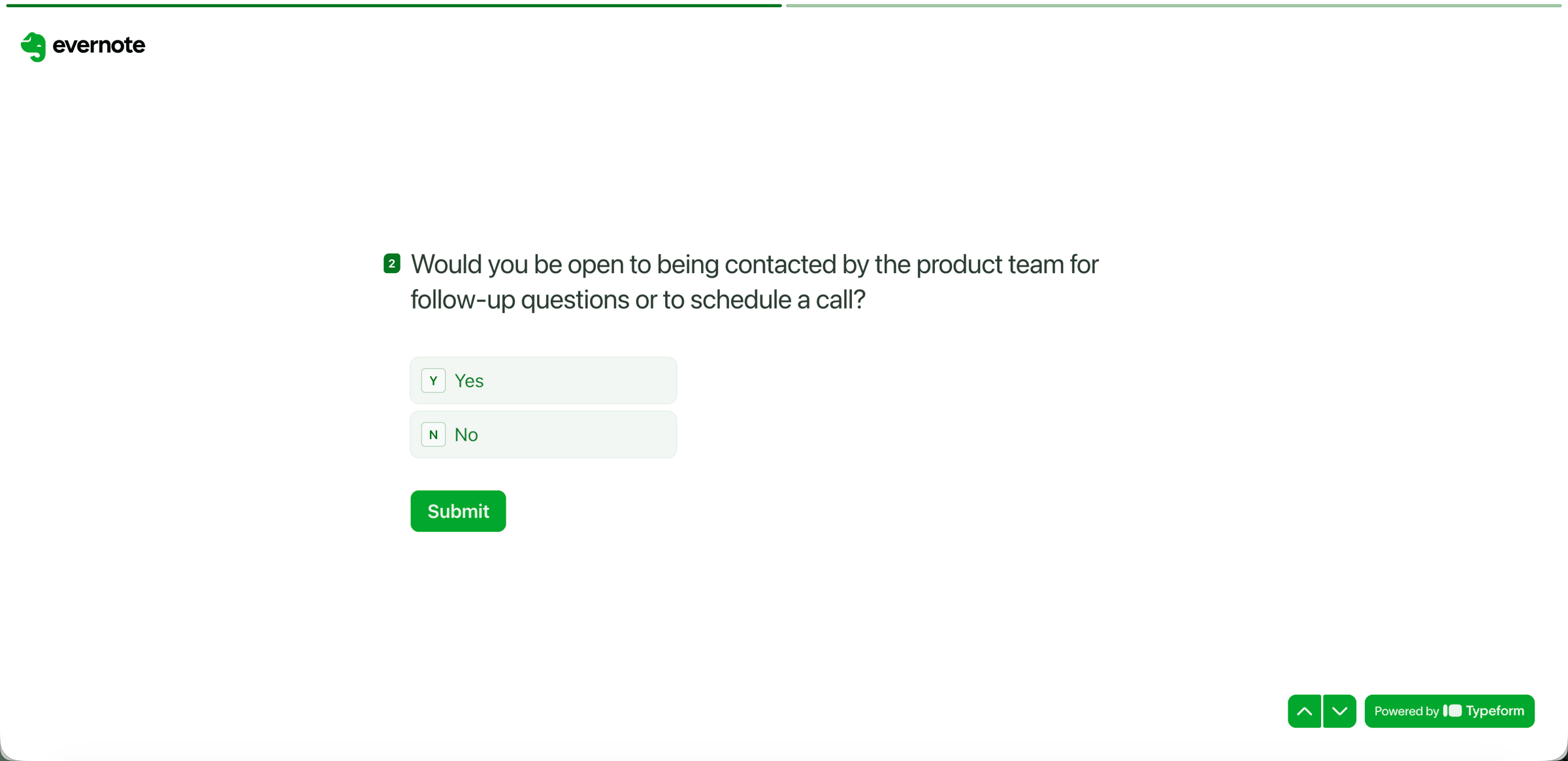
That's it. Click submit and you're back in your notes.
Note: This form is not (yet) available on Evernote mobile. Submit from your computer for now.
🧠 Academy Members: Get oriented to the What's New screen in this walkthrough.
Have something you want to share with me? Keep hitting reply. Your emails help me understand what to teach in future newsletters.
And, put your feature requests into Evernote's form. The feedback I got from readers last week is great, and Evernote should hear your requests. A request sitting in their system gets counted, and that's worth the extra minute.
Cheers to your productivity -
Stacey

Subscribe to auto-receive my next tip!
No fluff. Just practical, immediately actionable advice from someone who's been teaching Evernote mastery for over a decade. Sent every Monday, for free.