

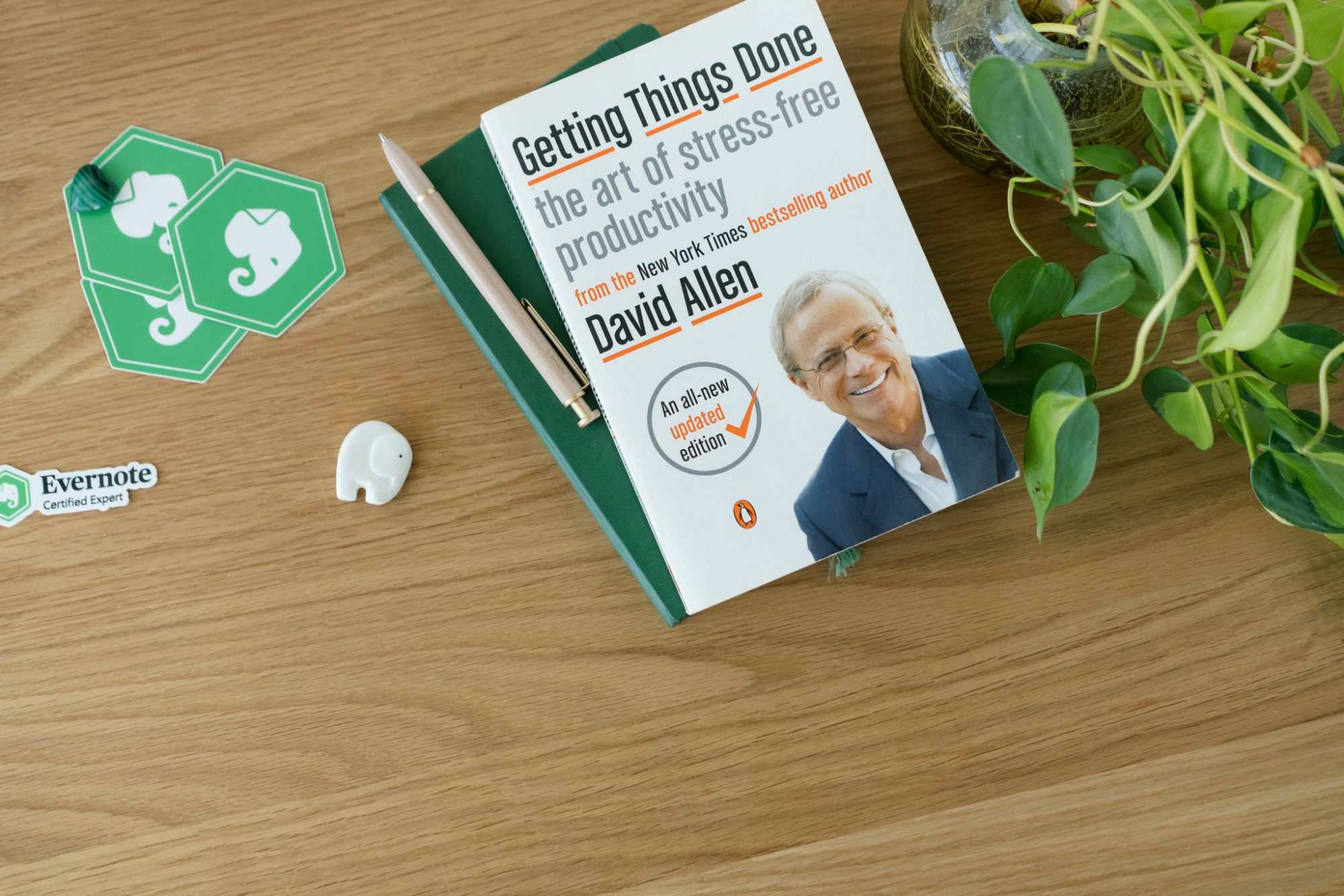
David Allen’s Getting Things Done® asks you to build a trusted system outside your brain. The book is deliberately software-neutral, so choosing that system is up to you. After practicing GTD® in Evernote every day since 2012, I’m convinced Evernote is the right app for it. Here’s why, and how to avoid the mistakes that sink most setups.
GTD® starts with a trusted system
“Your mind is for having ideas, not holding them.”
— David Allen, Getting Things Done®
Allen’s central idea is that you need a trusted system outside your brain:
- Trusted. If you don’t trust your system to hold everything and give it back when you need it, it falls apart.
- System. A framework for routing everything that comes at you. The rules of GTD® stay the same as technology changes.
- Outside your brain. Brains forget, get overwhelmed and age. Your trusted system can’t be your brain.
Because the book doesn’t name a tool, many GTD® readers spend years hunting for the perfect app, and never get around to practicing GTD®. Picking the right tool, and sticking with it, is what lets you move on.
Why Evernote for GTD®
1. It was built to remember
Evernote introduced itself as “your second brain,” its mission was to help you remember everything, and its logo is an elephant (elephants never forget). Remembering is in the product’s DNA, which is exactly what you want from a trusted system outside your brain.
2. It’s flexible in the ways GTD® needs
- Every platform. Mac, Windows, iOS and Android. Your system shouldn’t lock you into a phone or laptop you may not own in five years.
- Every kind of data. Typed and handwritten notes, PDFs, web pages, photos, audio, email and files all live in one place.
- Any structure. Projects that move through stages and reference material you just need to find can each be organized the way that suits them.
3. It handles all five steps in one app
Allen’s five steps of mastering workflow are capture, clarify, organize, reflect and engage. With Evernote you can do all five in a single app: one tool to learn, and one subscription to pay.
- Capture from anywhere: the web clipper, email forwarding, scanning, audio notes and your phone.
- Clarify and organize with notebooks, note links and tasks.
- Reflect with your weekly review in the same place your projects live.
- Engage with tasks, reminders and search that surface the next action.
How GTD® in Evernote goes wrong
Choosing Evernote is a smart move, but it’s only the start. In years of helping people practice GTD® in Evernote, I see the same three mistakes again and again.
Mistake 1: Organizing with tags
This is the most debated point in the Evernote community, and the decision shapes your whole GTD® setup. My answer is notebooks:
- Search forgives misfiling. You’ll never file everything perfectly. Evernote’s search finds notes wherever they land, so you don’t need a tag on every note to retrieve it.
- Lists live on notes. With notebooks, a single note holds a whole list of next actions using checkboxes or Evernote Tasks, with note links to supporting material. Tag-based setups need one note per action, which bloats your account.
- Less to maintain. If an untagged note disappears from a tag-built list, your system silently breaks. Notebook-based lists don’t depend on perfect tagging.
Note: Evernote’s free plan is limited to one notebook, so a notebook-based GTD® setup needs a paid plan.
Mistake 2: Weak Evernote skills
When you centralize GTD® in one app, your skill with that app sets your speed. If you’re slow and clunky in Evernote, the volume overwhelms you, you can’t find what you need, and you stop trusting your system. Evernote skills plus a GTD® workflow equals GTD® productivity. You need both.
Mistake 3: No scalable GTD® workflow
Out of the box, Evernote is a blank canvas. Without a deliberate design that maps Allen’s method to notebooks, notes and tasks, built for speed and for volume, most people improvise, the setup collapses, and they blame the app.
A system David Allen recognized
In 2012 I was Evernote’s GTD® Ambassador. That role led to an hour on video with David Allen and his director of training, walking them through my system. I beamed when David said my setup was a true deployment of GTD®. I’m a GTD® student, practitioner and advocate, and I still run my personal GTD® practice in Evernote today.
Learn Evernote for GTD® inside the Academy.
The Academy builds the Evernote skills that GTD® depends on, with live coaching and a community where the most dedicated members are GTD® practitioners. Join the Academy first, then add the EverDone System Course, my complete GTD® workflow for Evernote, from inside for $400 one-time. It includes a facilitated Guided Weekly Review, held once a month.
Want the bigger picture? Read 5 Steps to Stress-Free Productivity: A Guide to Mastering GTD®.


